 Chess Clock
CHESS CLOCK FOR IPHONE
Chess clock
for iPhone.
A clear clock for your physical chess board.
Available now on the App Store. Free download; full games require a one-time unlock after the short demo.
View on the App Store →Play the free browser clock instead →
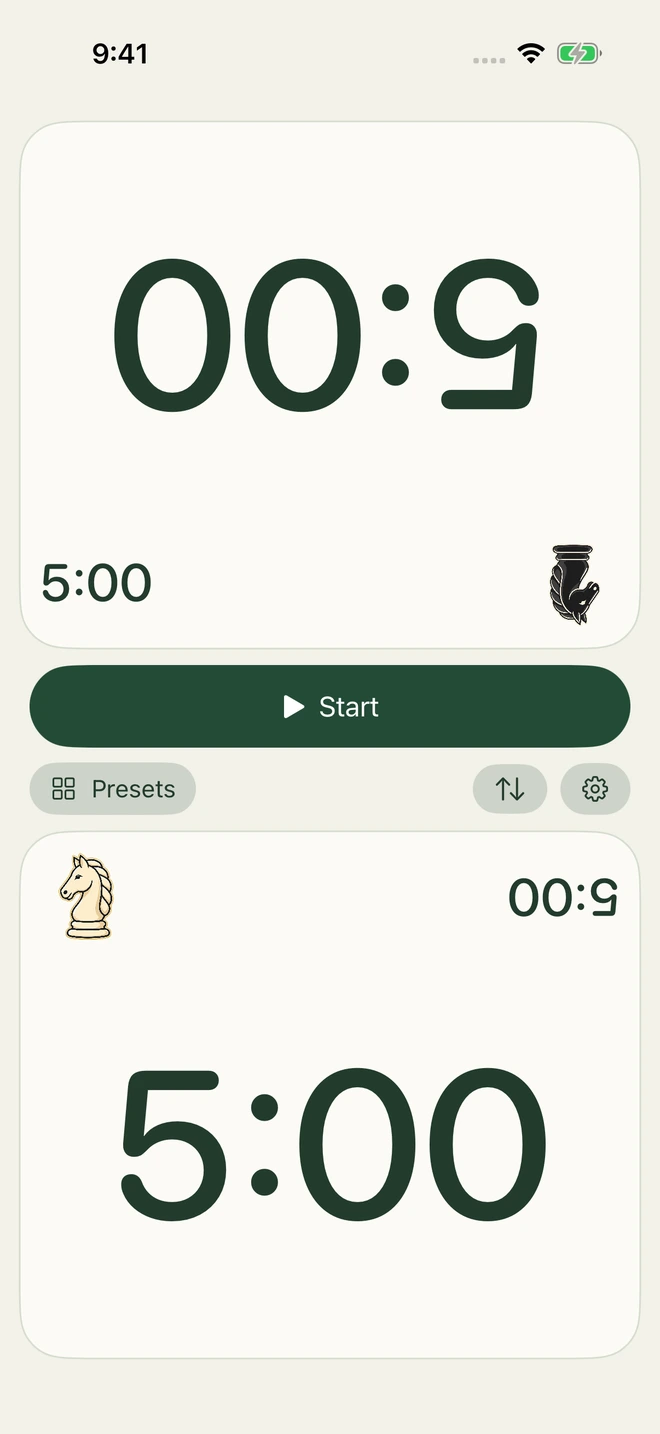
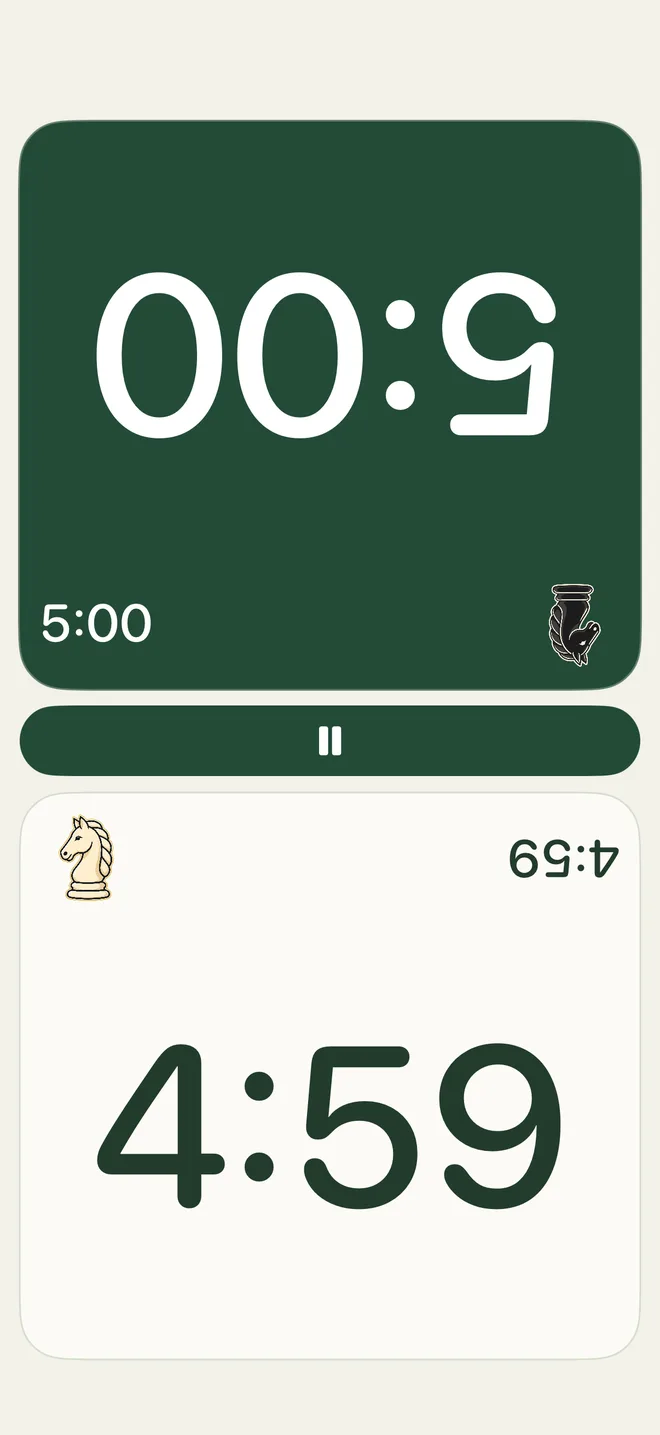
Made for the space between two players.
Chess Clock brings together large opposing clocks, quick presets and an unmistakable active player. No account is needed for the local clock.
Your pace, remembered.
Choose 1+0, 3+0, 3+2, 5+0 or 10+0. Create named controls with equal or unequal times, Fischer increment or simple delay.
Pause. Put it right. Play on.
Pause and resume deliberately, correct remaining time, undo the last switch and begin a rematch. The clock pauses when the app becomes inactive. Return, check both times, press Resume, then tap the active clock when both players are ready.
Try it, then unlock once.
The iPhone app includes a short hands-on demo. Full games require a one-time in-app purchase, with no subscription. After unlocking, the clock works offline. An internet connection is needed to purchase or restore access. The browser clock remains free.
Try your next time control.
Use the free browser clock to find a pace you like. On iPhone, save it as a named preset for your next game, with no account or connection needed. This website does not process purchases.
Play in your browser →Browser presets do not automatically transfer to an installed app. Note the preset name, both base times and the increment or delay to recreate it.
Choose your time control with confidence
The same simple concepts apply when you play on a physical board: a base time for each player, an optional increment or delay, and explicit pause and resume. Learn the controls before your first game with these guides.